Creating a virtual serial port
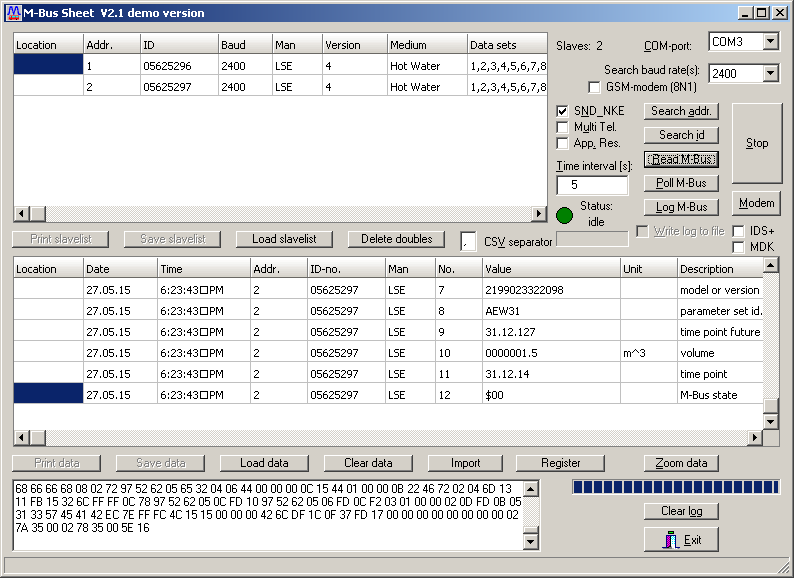
A lot of programs for working with M-Bus meters uses a standard serial port for communication with the meters and does not support communication through an IP connection. We offer a virtual serial port application for our Ethernet converters. This application allows older programs to communicate through a serial port.
The application that can create a virtual serial COM port for our Ethernet converters is: Lantronix COM Port Redirector.
 Principle of communication through the virtual serial port.
Steps for creating the virtual serial port:
1. Connect the converter to the Ethernet port of the computer or to a network to which the computer has access.
2. Make sure that the Firewall on the computer which will be running the virtual serial port has open UDP ports 30718, 43282 and 43283.
3. Install Lantronix Com Port Redirector and launch the CPR Manager application.
Warning: It is necessary to restart the computer after installing the Lantronix Com Port Redirector. The installation of the application does not require a restart, however testing has showed that starting the low level driver while the operating system is running results in unexpected behavior and proper operation will start only after system restart. This applies especially to Windows 7 and higher.
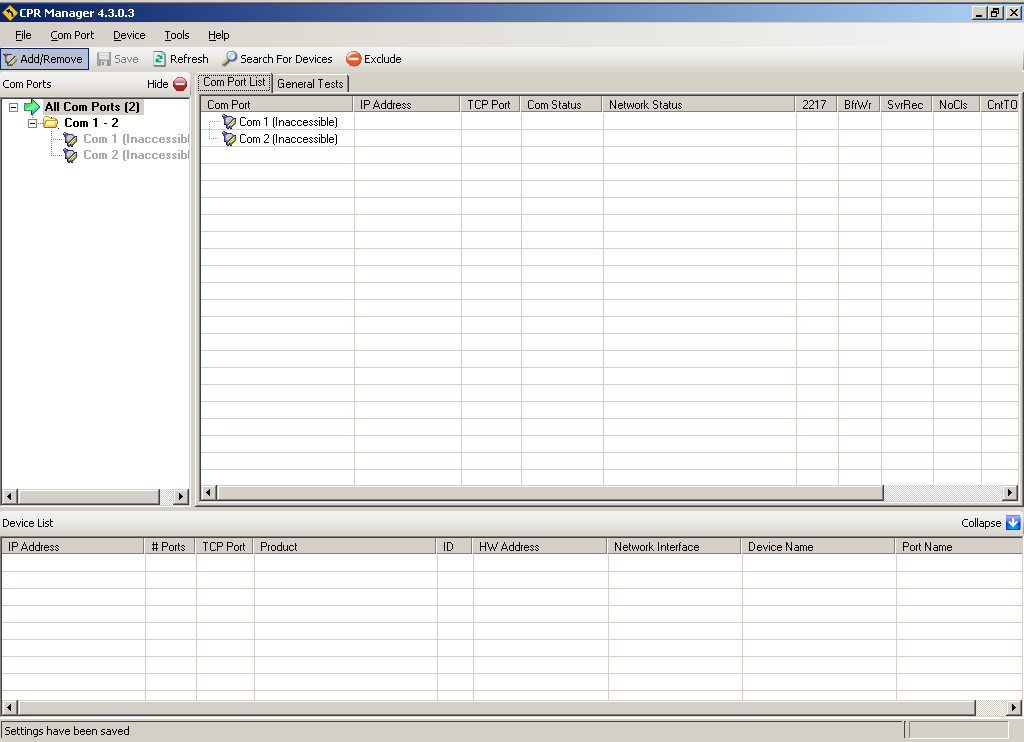
4. Add a virtual COM port in the CPR Manager.
Click on the Add/Remove button.
In the Com ports dialog choose a port number and click on the OK button.
Click on the Save button.
5. This virtual port in CPR Manager needs to have a converter assigned to it.
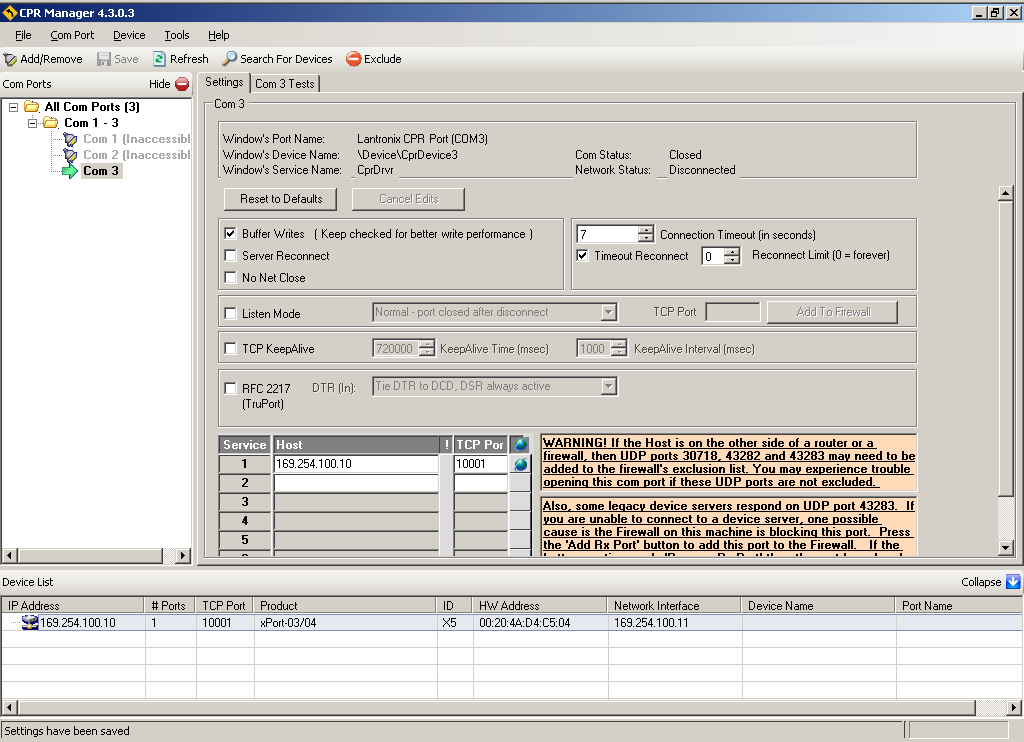
Using the Search for devices button search for the available converters. The attached converter should appear in the bottom list of CPR Manager.
Copy the IP address and port of the converter from Device List into the first line of the table under the titles Host and TCP port. It is possible to simply drag and drop this setting with the mouse from the Device List onto the given line of the table.
Click on the Save button. The virtual serial port will be created with this last operation and it can be immediately used for communication with the meters.